Data Recovery
When the files matter more than the machine.
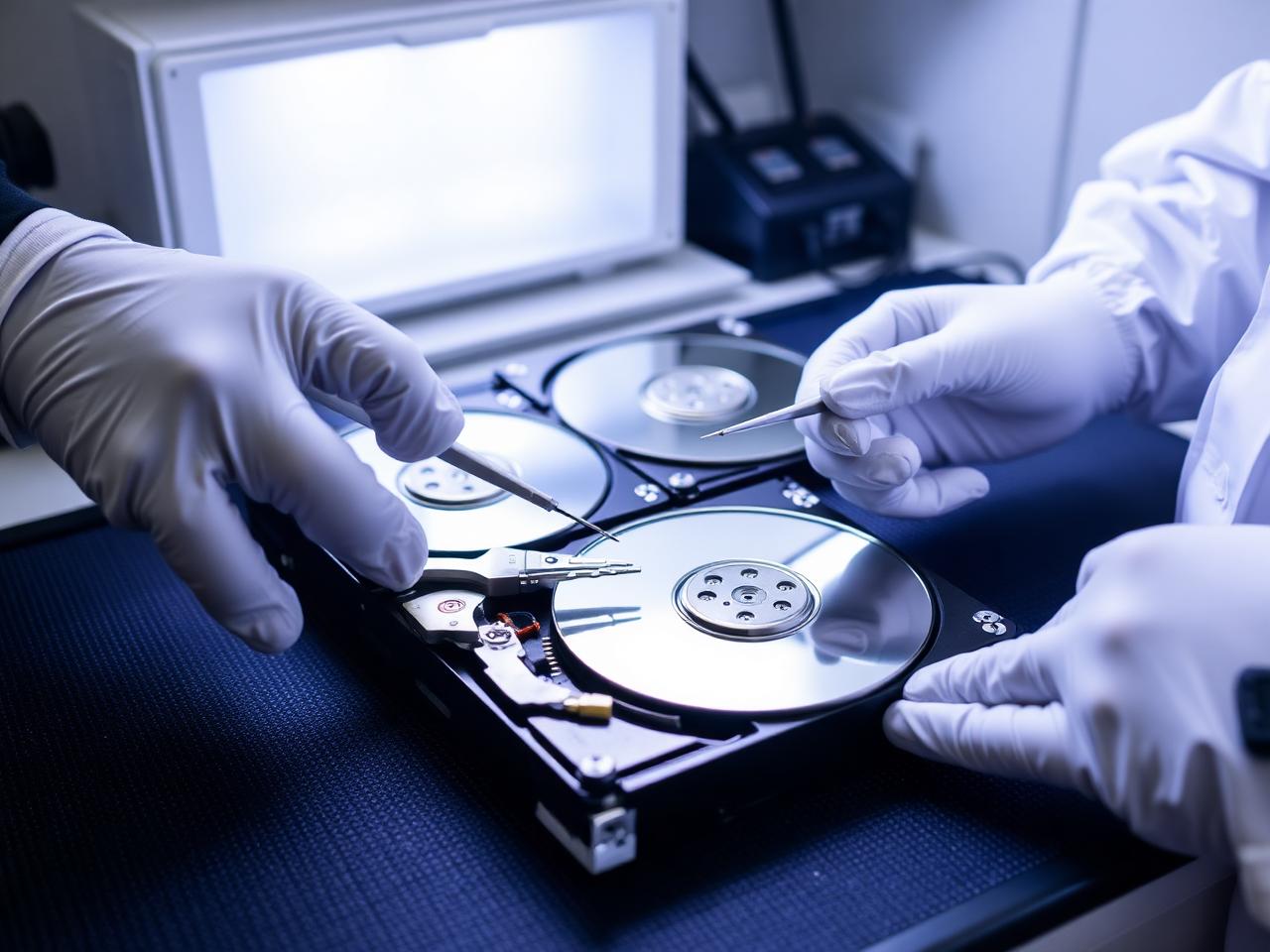
What we can help with
Data recovery is the one service where the first ten minutes matter most. Continuing to use a failing drive, or running recovery software over it, can turn a recoverable situation into a permanent loss. Fason AI's first job is to tell you what to stop doing.
After that, we work out what class of problem you have: accidental deletion, a corrupted file system, a logically failing drive, or a physically damaged one. Each has a very different chance of success and a very different cost, and you get an honest assessment of both before committing credits.
- Accidentally deleted files or folders
- Formatted the wrong drive
- External drive not recognised
- Clicking or grinding hard drive
- Corrupted USB stick or memory card
- Photos lost after a phone or camera issue
- Drive asking to be formatted
- Files lost after a failed Windows update
- Recovering data from a dead laptop
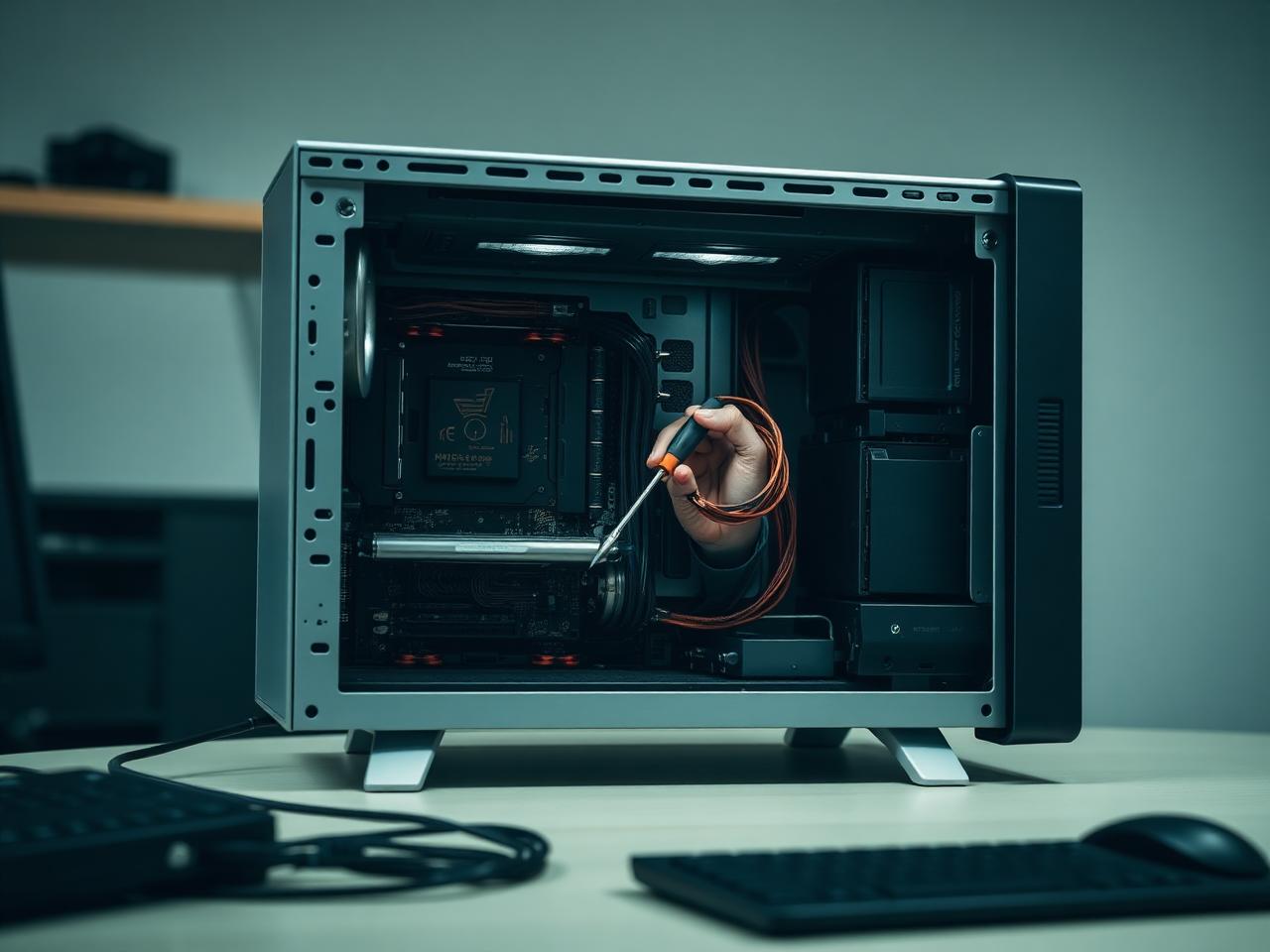
Where AI stops and a person starts
Fason AI handles the parts of the job that are really about information: narrowing down symptoms, ruling out easy causes, and telling you in plain language what is most likely happening before anyone touches your machine.
A technician steps in the moment the job needs hands, tools, or judgement in the physical world — opening a device, swapping a component, or working through an issue that has more than one plausible cause.
AI Diagnosis
Start with AI.
Know what you're dealing with.
Before booking a technician, let Fason AI ask a few questions and help identify the likely cause behind your data recovery issue. It takes about a minute and costs nothing to start.
What happened to your data?
Choose the option that sounds closest — you can correct AI at any point.
Scope
What's included
Everything below is part of a standard data recovery engagement. Anything outside it is quoted in credits before the work starts.
AI first-response guidance
Immediate steps to avoid overwriting what can still be saved.
Recovery feasibility review
An honest read on how likely recovery is in your situation.
Drive health assessment
Whether the failure is logical, mechanical or electronic.
Safe imaging
Working from a copy wherever possible, never the original media.
File recovery attempt
Structured recovery with a preview of what was found.
Verified handover
Recovered files checked for integrity before delivery.
Backup setup advice
A simple plan so the next failure is an inconvenience, not a disaster.
Process
How it works
The same five steps for every service, so you always know what happens next.
- 01
Tell AI what's happening.
- 02
AI analyzes your symptoms.
- 03
Get a recommended solution.
- 04
Choose AI guidance or professional help.
- 05
Get your issue resolved.
Typical cost
40–90 Credits
Starting from 40 Credits
Final credit usage depends on the complexity of the issue. AI will provide an estimate before you commit, and a technician confirms it before any hands-on work begins. We do not quote a fixed repair price before the problem is understood.
Start AI DiagnosisCredits
Pay with Fason Credits
One balance for everything: AI diagnostics, remote support and professional IT services. No subscriptions, no call-out surprises — you always see the estimated cost before you commit.
Your balance
30Credits
$30
1 Credit = $1. Credits are deducted only when work is carried out.
What Credits are used for
- AI-assisted diagnostics and follow-up questions
- Guided fixes you can carry out yourself
- Remote sessions with a technician
- Hands-on repair, recovery and setup work
Final credit usage depends on the complexity of the issue. AI will provide an estimate before you commit, and unused credits stay in your balance for 12 months.
Related services
All services


Start here
Don't know what's wrong?
Ask AI.
Describe the problem. Get a clear next step. Connect with an expert when you need one.