Remote IT Support
Help in minutes, without anyone coming to your door.

What we can help with
A large share of tech problems never need anyone to physically touch the machine. Email that stopped syncing, a printer that vanished, a locked account, an app that won't update — these are software and configuration issues, and they can be solved in a short remote session.
Fason AI handles the first pass. If it can guide you through the fix, that is often the whole job and costs you very little. If not, it hands a technician a written summary of everything already tried, so the session starts with context instead of "can you describe the problem again?"
- Email not sending or syncing
- Printer offline or not installed
- Locked out of an account
- Software installation and licensing
- Cloud storage and file sync issues
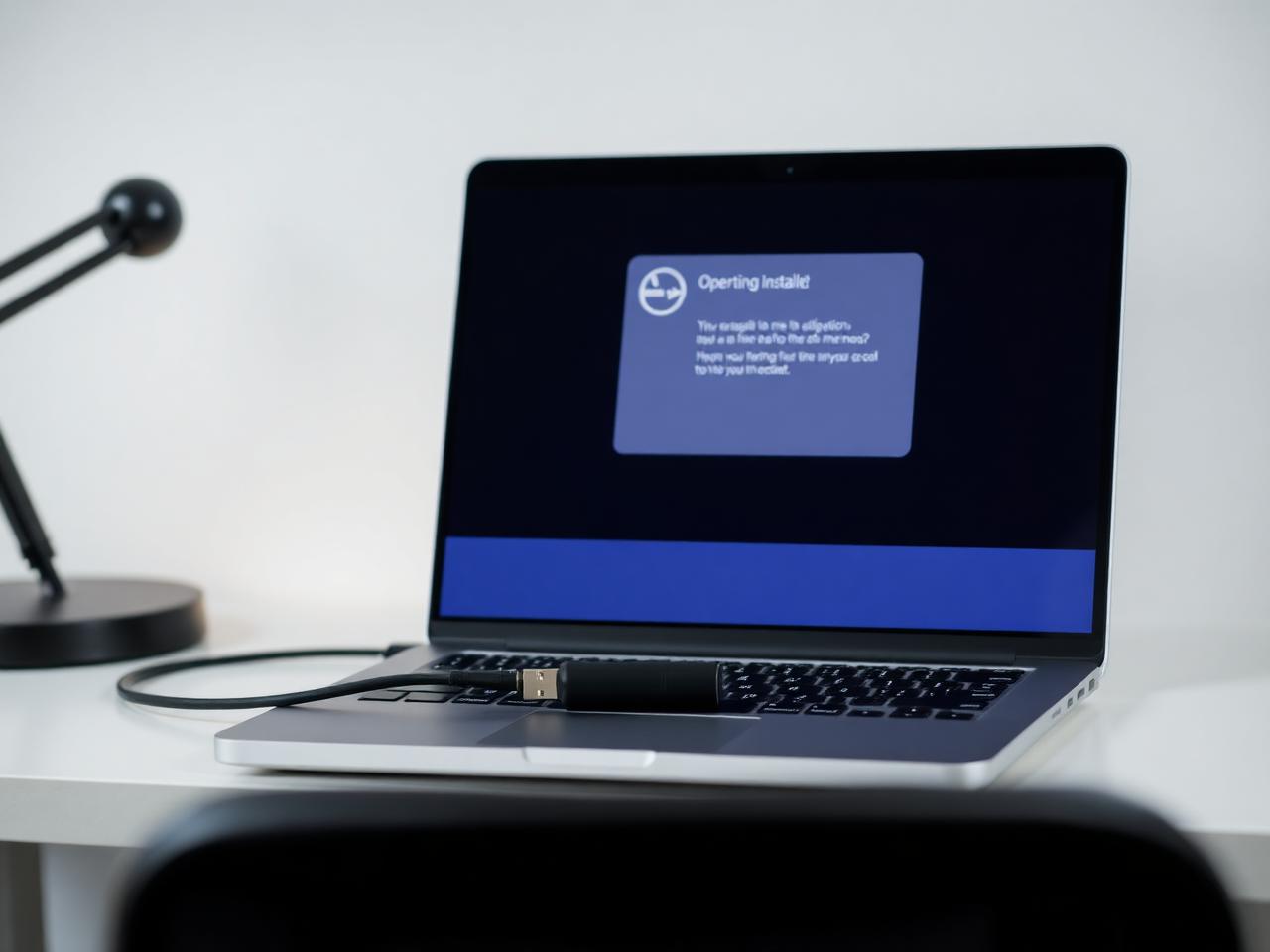
- Setting up a new laptop remotely
- Video conferencing and audio problems
- Backup configuration
- General "how do I do this?" questions

Where AI stops and a person starts
Fason AI handles the parts of the job that are really about information: narrowing down symptoms, ruling out easy causes, and telling you in plain language what is most likely happening before anyone touches your machine.
A technician steps in the moment the job needs hands, tools, or judgement in the physical world — opening a device, swapping a component, or working through an issue that has more than one plausible cause.
AI Diagnosis
Start with AI.
Know what you're dealing with.
Before booking a technician, let Fason AI ask a few questions and help identify the likely cause behind your remote it support issue. It takes about a minute and costs nothing to start.
What do you need help with?
Choose the option that sounds closest — you can correct AI at any point.
Scope
What's included
Everything below is part of a standard remote it support engagement. Anything outside it is quoted in credits before the work starts.
AI first-line resolution
Many issues are solved before a session is even booked.
Scheduled remote session
A time slot that suits you, usually the same day.
Secure screen sharing
A session you start, watch and can end at any moment.
Guided or hands-on fix
We do it for you, or walk you through it — your choice.
Configuration review
Related settings checked so the issue does not recur next week.
Written session notes
What was changed, in language you can read back later.
Follow-up window
Seven days to reopen the same issue at no extra credits.
Process
How it works
The same five steps for every service, so you always know what happens next.
- 01
Tell AI what's happening.
- 02
AI analyzes your symptoms.
- 03
Get a recommended solution.
- 04
Choose AI guidance or professional help.
- 05
Get your issue resolved.
Typical cost
10–25 Credits
Starting from 10 Credits
Final credit usage depends on the complexity of the issue. AI will provide an estimate before you commit, and a technician confirms it before any hands-on work begins. We do not quote a fixed repair price before the problem is understood.
Start AI DiagnosisCredits
Pay with Fason Credits
One balance for everything: AI diagnostics, remote support and professional IT services. No subscriptions, no call-out surprises — you always see the estimated cost before you commit.
Your balance
30Credits
$30
1 Credit = $1. Credits are deducted only when work is carried out.
What Credits are used for
- AI-assisted diagnostics and follow-up questions
- Guided fixes you can carry out yourself
- Remote sessions with a technician
- Hands-on repair, recovery and setup work
Final credit usage depends on the complexity of the issue. AI will provide an estimate before you commit, and unused credits stay in your balance for 12 months.
Related services
All services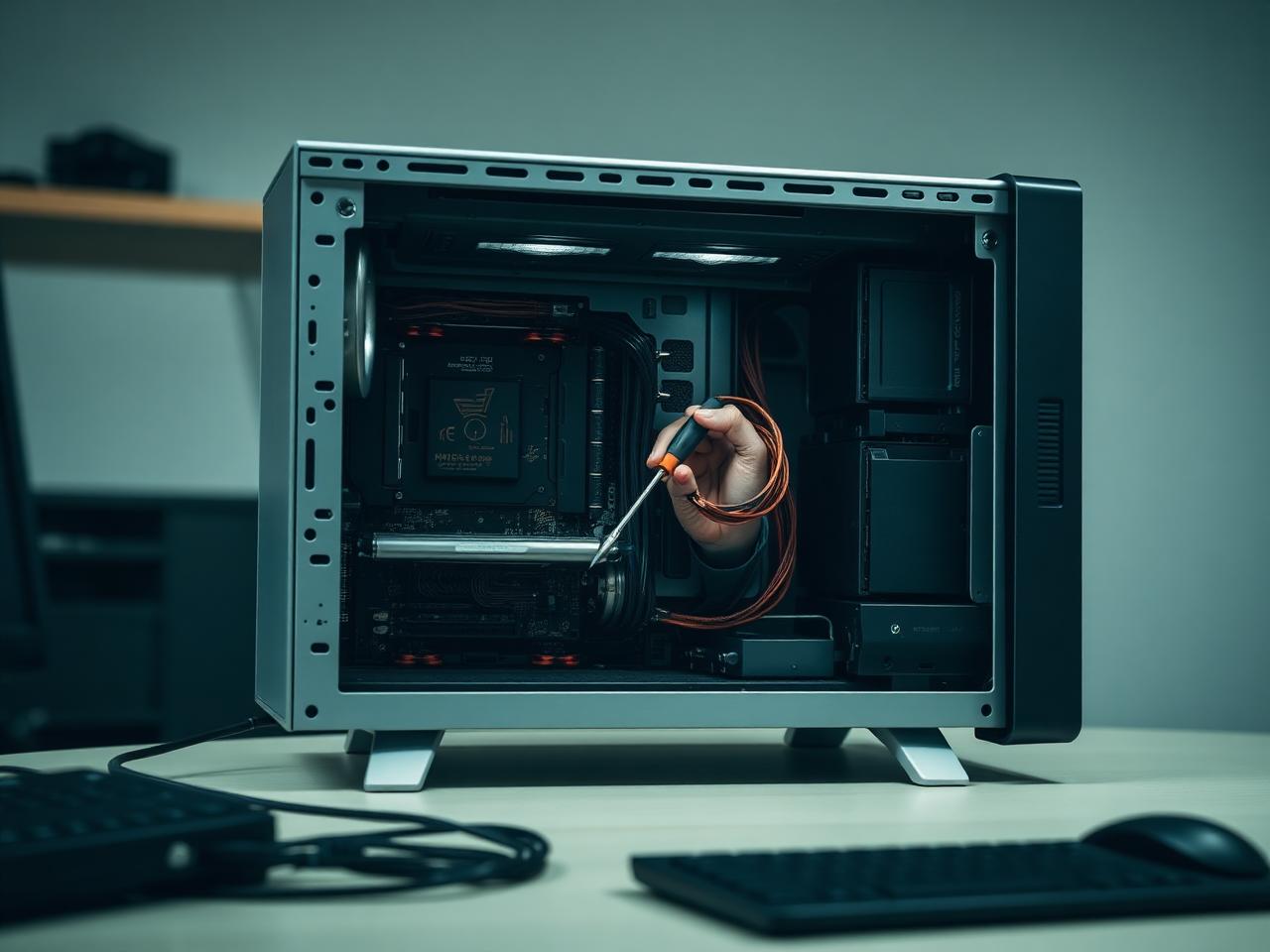


Start here
Don't know what's wrong?
Ask AI.
Describe the problem. Get a clear next step. Connect with an expert when you need one.