Virus & Malware Removal
Find out what got in, remove it, and close the door behind it.

What we can help with
Not every pop-up is a virus, and not every real infection announces itself. Fason AI starts by separating scareware and browser junk from genuine compromise, because the two need completely different responses — and one of them needs to happen quickly.
If there is a real infection, containment comes first: what is running, what has network access, and what credentials may be exposed. Removal follows, then hardening so the same route does not work twice. If there are signs of ransomware or stolen accounts, we tell you plainly instead of quietly running a scanner.
- Constant pop-ups and fake warnings
- Browser homepage or search hijacked
- Unknown programs launching at startup
- Ransom messages or encrypted files
- Accounts sending messages you didn't write
- Antivirus disabled or failing to update
- Sudden slowdowns with high disk activity
- Suspicious emails or logins
- Unwanted toolbars and extensions

Where AI stops and a person starts
Fason AI handles the parts of the job that are really about information: narrowing down symptoms, ruling out easy causes, and telling you in plain language what is most likely happening before anyone touches your machine.
A technician steps in the moment the job needs hands, tools, or judgement in the physical world — opening a device, swapping a component, or working through an issue that has more than one plausible cause.
AI Diagnosis
Start with AI.
Know what you're dealing with.
Before booking a technician, let Fason AI ask a few questions and help identify the likely cause behind your virus & malware removal issue. It takes about a minute and costs nothing to start.
What are you seeing?
Choose the option that sounds closest — you can correct AI at any point.
Scope
What's included
Everything below is part of a standard virus & malware removal engagement. Anything outside it is quoted in credits before the work starts.
AI threat triage
Distinguishes scareware from an actual compromise before anything is removed.
Containment guidance
What to disconnect, change or stop using right now.
Deep system scan
Startup entries, scheduled tasks, services and browser extensions.
Malware removal
Removing the payload and its persistence mechanisms, not just the symptom.
Account safety review
Which passwords to change and in which order.
Hardening
Updates, browser cleanup and sensible protection settings.
Written incident summary
What was found, what was removed and what to watch for.
Process
How it works
The same five steps for every service, so you always know what happens next.
- 01
Tell AI what's happening.
- 02
AI analyzes your symptoms.
- 03
Get a recommended solution.
- 04
Choose AI guidance or professional help.
- 05
Get your issue resolved.
Typical cost
25–50 Credits
Starting from 25 Credits
Final credit usage depends on the complexity of the issue. AI will provide an estimate before you commit, and a technician confirms it before any hands-on work begins. We do not quote a fixed repair price before the problem is understood.
Start AI DiagnosisCredits
Pay with Fason Credits
One balance for everything: AI diagnostics, remote support and professional IT services. No subscriptions, no call-out surprises — you always see the estimated cost before you commit.
Your balance
30Credits
$30
1 Credit = $1. Credits are deducted only when work is carried out.
What Credits are used for
- AI-assisted diagnostics and follow-up questions
- Guided fixes you can carry out yourself
- Remote sessions with a technician
- Hands-on repair, recovery and setup work
Final credit usage depends on the complexity of the issue. AI will provide an estimate before you commit, and unused credits stay in your balance for 12 months.
Related services
All services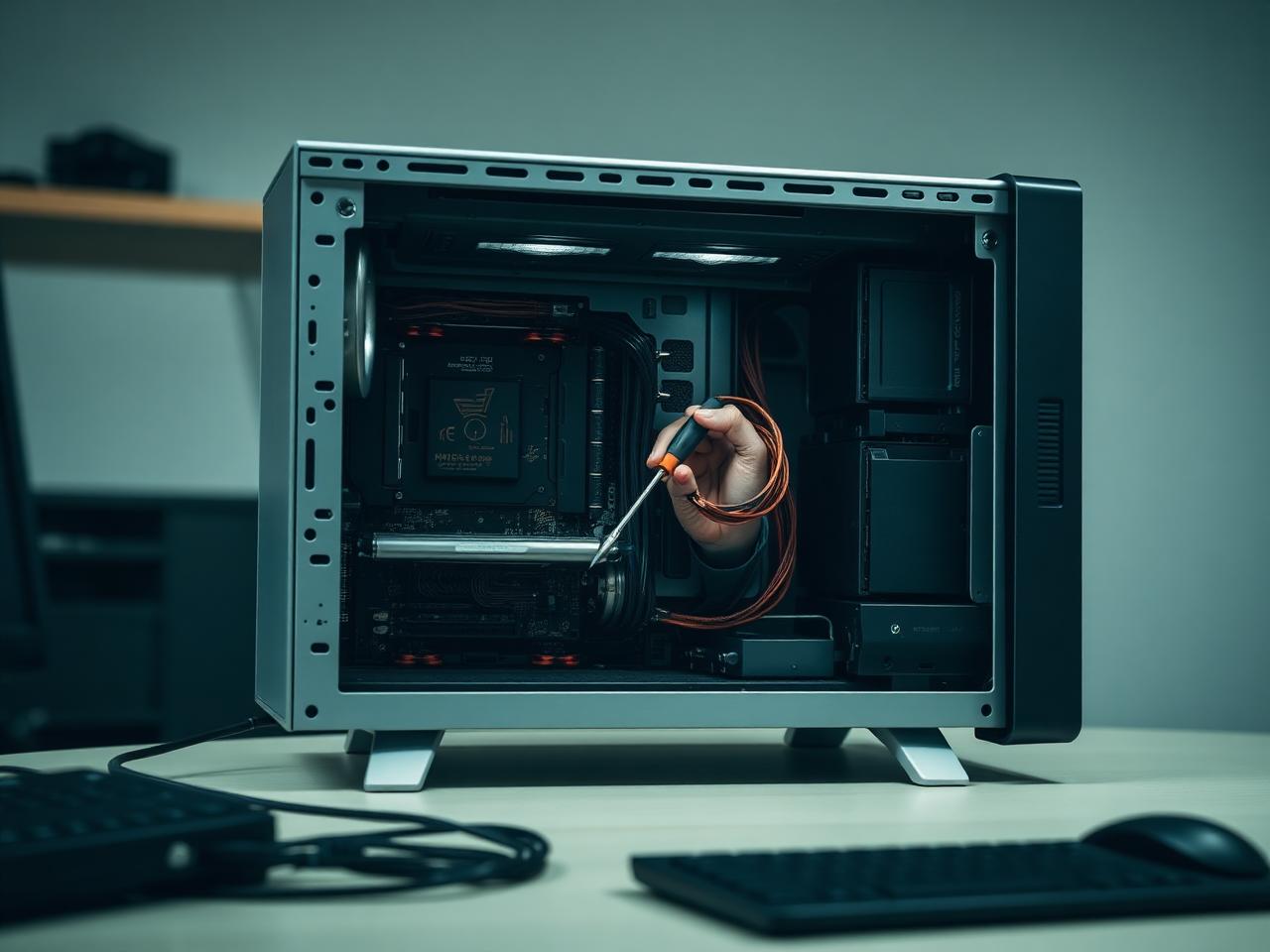

Start here
Don't know what's wrong?
Ask AI.
Describe the problem. Get a clear next step. Connect with an expert when you need one.