Windows Installation
A clean, correctly configured system without losing your files.
What we can help with
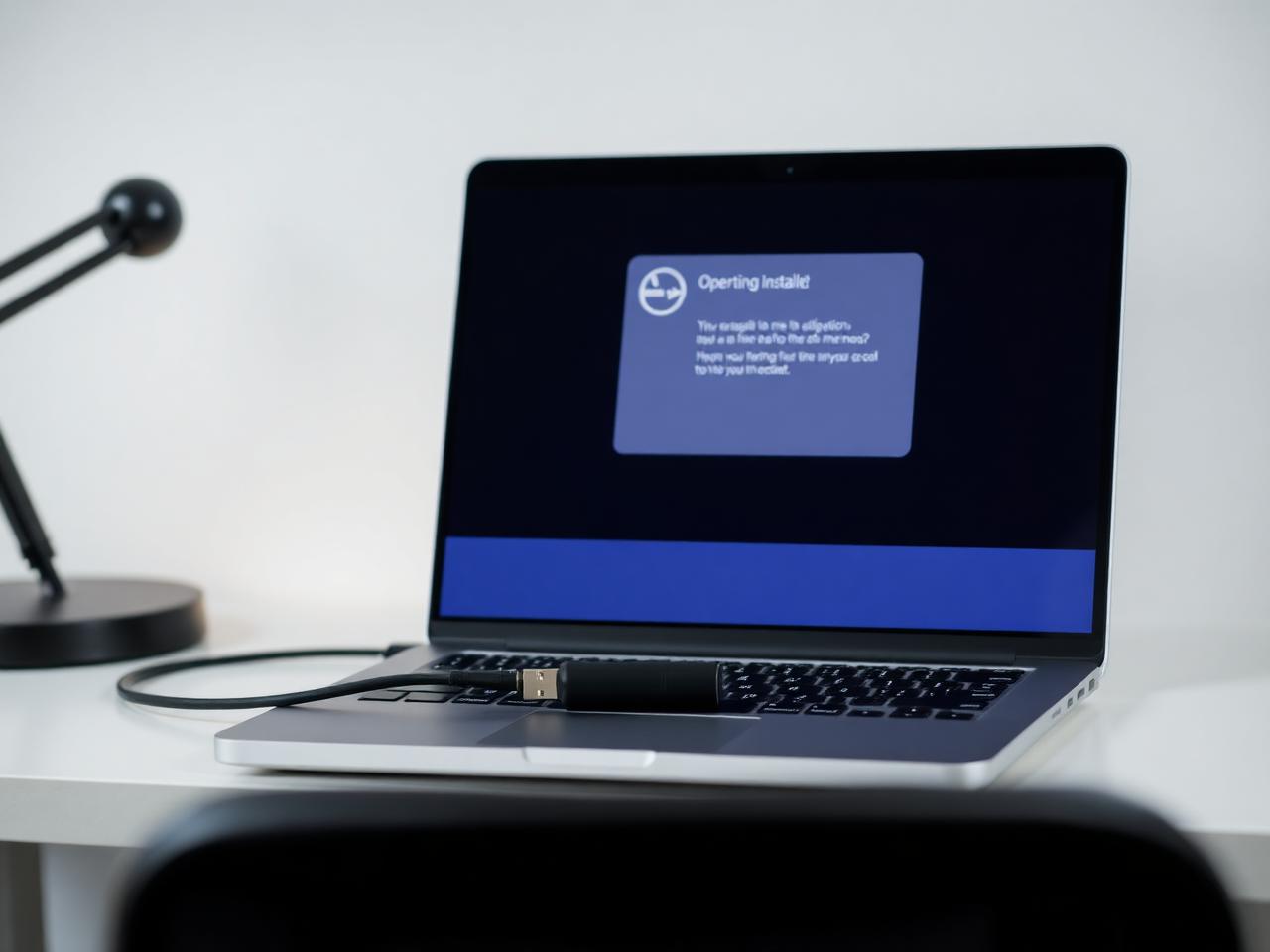
A reinstall is often the right answer, and just as often the wrong one. Fason AI first checks whether your problem is actually fixable without wiping anything — because a corrupted profile, a bad update or a driver conflict does not need a clean install.
When a rebuild genuinely is the best route, the risky part is not the installation itself. It is everything around it: backing up files, keeping licences, finding the right drivers for your exact hardware, and restoring the setup so the machine is usable again the same day.
- Windows won't boot or repairs in a loop
- Upgrading to a newer Windows version
- Clean install on a new SSD
- Corrupted system files
- Recovering a machine after malware
- Missing or broken drivers
- Setting up a new computer from scratch
- Dual-boot configuration
- Moving files and settings to a new device

Where AI stops and a person starts
Fason AI handles the parts of the job that are really about information: narrowing down symptoms, ruling out easy causes, and telling you in plain language what is most likely happening before anyone touches your machine.
A technician steps in the moment the job needs hands, tools, or judgement in the physical world — opening a device, swapping a component, or working through an issue that has more than one plausible cause.
AI Diagnosis
Start with AI.
Know what you're dealing with.
Before booking a technician, let Fason AI ask a few questions and help identify the likely cause behind your windows installation issue. It takes about a minute and costs nothing to start.
What are you trying to do?
Choose the option that sounds closest — you can correct AI at any point.
Scope
What's included
Everything below is part of a standard windows installation engagement. Anything outside it is quoted in credits before the work starts.
AI pre-install check
Confirms whether a reinstall is really necessary before you commit credits.
Backup planning
A checklist of what needs saving and where it will be stored.
Licence and account review
Keeping your Windows activation and app sign-ins intact.
Clean installation
Correct partitioning, boot configuration and system setup.
Driver installation
Chipset, graphics, network and peripheral drivers for your exact model.
Essential configuration
Updates, security settings, printers and everyday applications.
Data restore and handover
Your files back in place, with a short summary of what changed.
Process
How it works
The same five steps for every service, so you always know what happens next.
- 01
Tell AI what's happening.
- 02
AI analyzes your symptoms.
- 03
Get a recommended solution.
- 04
Choose AI guidance or professional help.
- 05
Get your issue resolved.
Typical cost
25–45 Credits
Starting from 25 Credits
Final credit usage depends on the complexity of the issue. AI will provide an estimate before you commit, and a technician confirms it before any hands-on work begins. We do not quote a fixed repair price before the problem is understood.
Start AI DiagnosisCredits
Pay with Fason Credits
One balance for everything: AI diagnostics, remote support and professional IT services. No subscriptions, no call-out surprises — you always see the estimated cost before you commit.
Your balance
30Credits
$30
1 Credit = $1. Credits are deducted only when work is carried out.
What Credits are used for
- AI-assisted diagnostics and follow-up questions
- Guided fixes you can carry out yourself
- Remote sessions with a technician
- Hands-on repair, recovery and setup work
Final credit usage depends on the complexity of the issue. AI will provide an estimate before you commit, and unused credits stay in your balance for 12 months.
Related services
All services


Start here
Don't know what's wrong?
Ask AI.
Describe the problem. Get a clear next step. Connect with an expert when you need one.