Gaming PC Setup
Every frame the hardware you paid for can actually deliver.
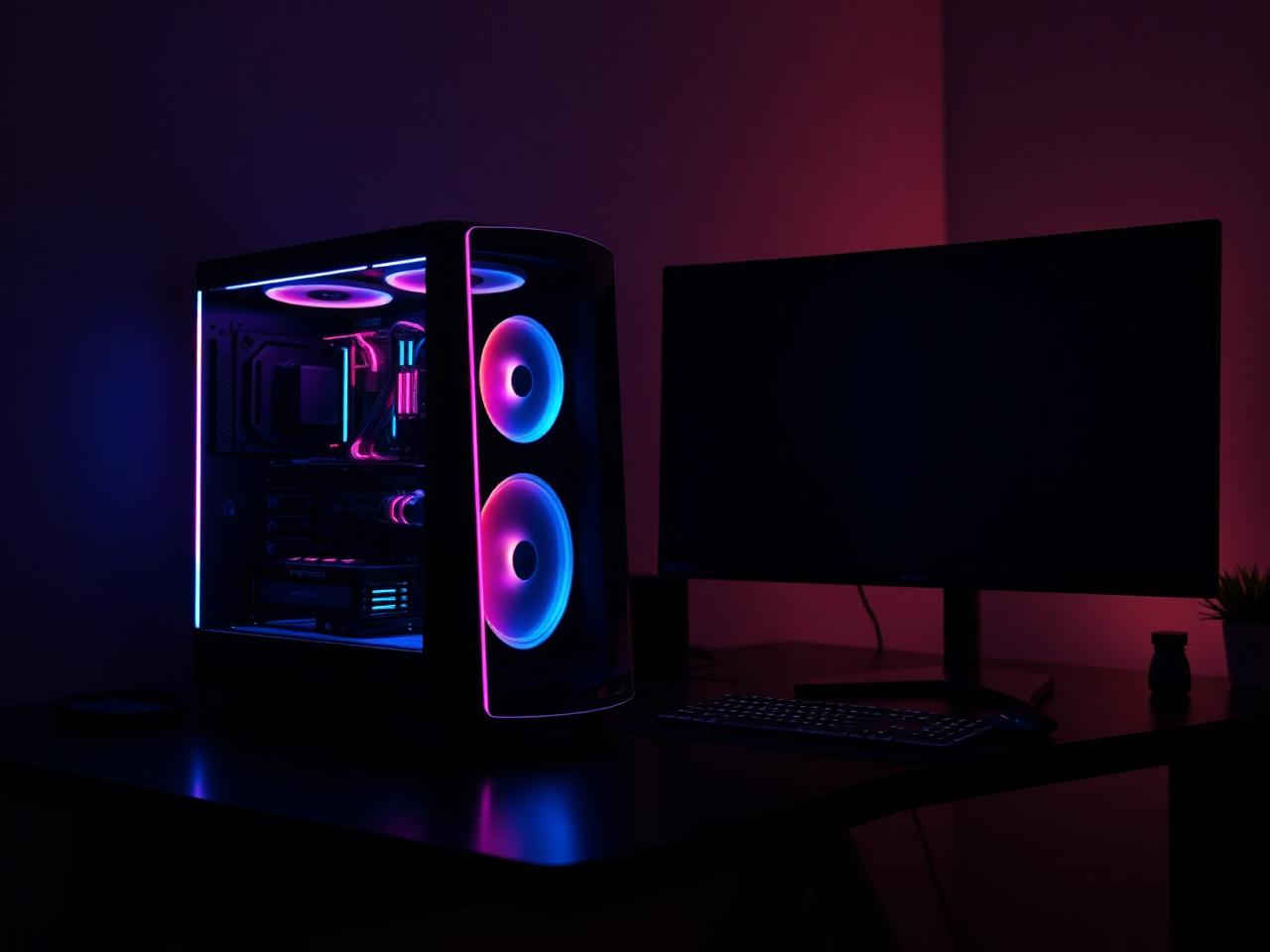
What we can help with
A gaming machine that underperforms is usually not short of power. It is throttling, running a mismatched display setting, bottlenecked by one component, or being held back by a background process. Average FPS hides most of this — frame time consistency does not.
Fason AI works through your symptoms and hardware to identify where the loss actually happens. Then it is a matter of tuning: thermals, memory profiles, driver versions, display configuration and per-title settings, plus upgrade advice that is worth the money.
- Low frame rates for your hardware
- Stutter and inconsistent frame times
- High CPU or GPU temperatures
- Crashes during long sessions
- New build that won't POST
- Choosing the right upgrade
- Monitor refresh rate not applied
- Loud fans under load
- Cable management and airflow
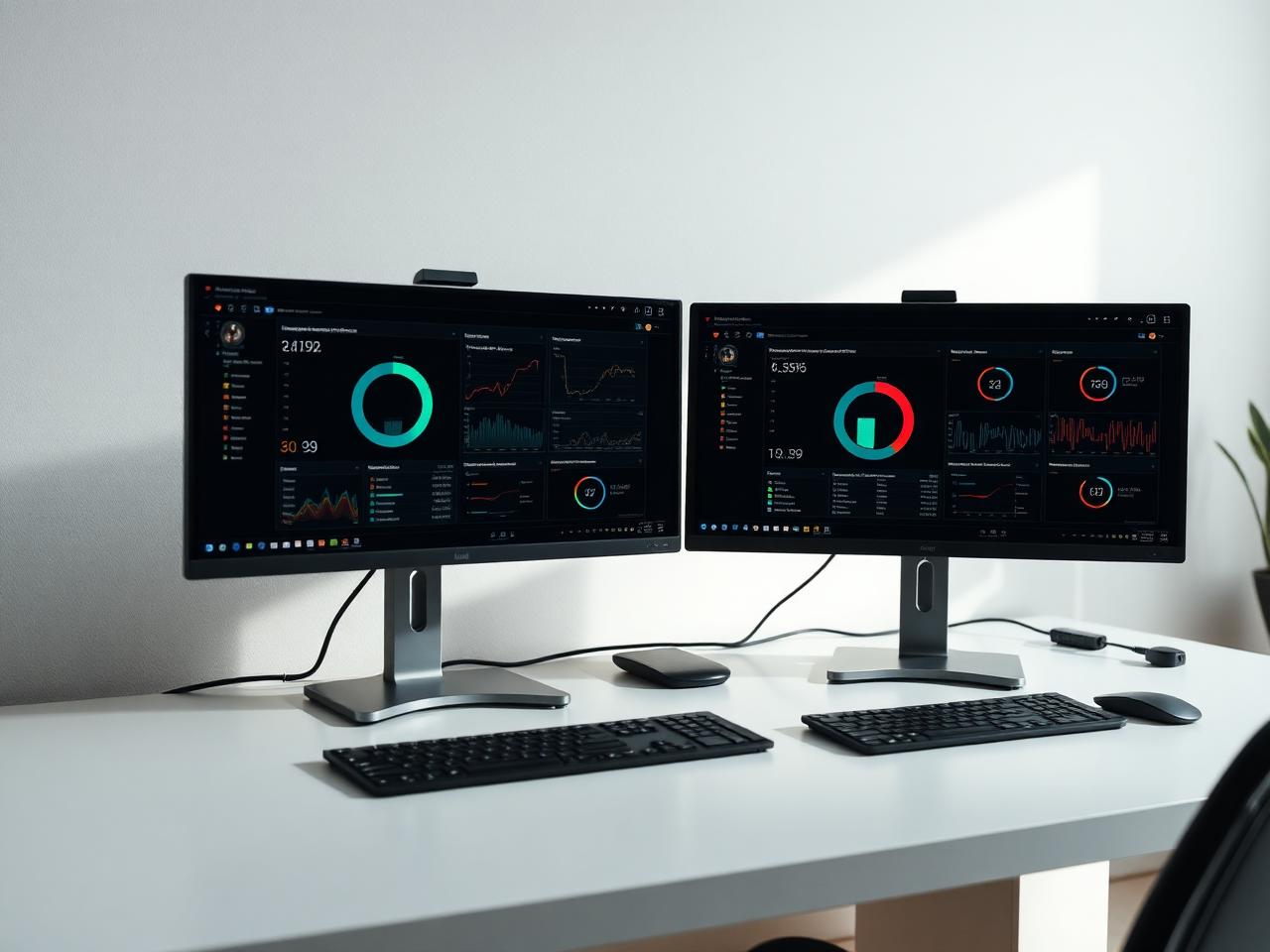
Where AI stops and a person starts
Fason AI handles the parts of the job that are really about information: narrowing down symptoms, ruling out easy causes, and telling you in plain language what is most likely happening before anyone touches your machine.
A technician steps in the moment the job needs hands, tools, or judgement in the physical world — opening a device, swapping a component, or working through an issue that has more than one plausible cause.
AI Diagnosis
Start with AI.
Know what you're dealing with.
Before booking a technician, let Fason AI ask a few questions and help identify the likely cause behind your gaming pc setup issue. It takes about a minute and costs nothing to start.
What is your system doing?
Choose the option that sounds closest — you can correct AI at any point.
Scope
What's included
Everything below is part of a standard gaming pc setup engagement. Anything outside it is quoted in credits before the work starts.
AI performance triage
Identifies whether the limit is thermal, CPU, GPU or configuration.
Build or upgrade planning
Component choices that fit your resolution, budget and case.
Assembly and cable routing
Clean airflow, correct power delivery, tidy build.
Thermal tuning
Fan curves, paste, cooler mounting and case airflow.
Memory and BIOS configuration
Correct memory profiles and stable firmware settings.
Display and driver setup
Refresh rate, adaptive sync and current graphics drivers.
Stability and benchmark pass
Measured frame times before and after, plus a stress test.
Process
How it works
The same five steps for every service, so you always know what happens next.
- 01
Tell AI what's happening.
- 02
AI analyzes your symptoms.
- 03
Get a recommended solution.
- 04
Choose AI guidance or professional help.
- 05
Get your issue resolved.
Typical cost
30–70 Credits
Starting from 30 Credits
Final credit usage depends on the complexity of the issue. AI will provide an estimate before you commit, and a technician confirms it before any hands-on work begins. We do not quote a fixed repair price before the problem is understood.
Start AI DiagnosisCredits
Pay with Fason Credits
One balance for everything: AI diagnostics, remote support and professional IT services. No subscriptions, no call-out surprises — you always see the estimated cost before you commit.
Your balance
30Credits
$30
1 Credit = $1. Credits are deducted only when work is carried out.
What Credits are used for
- AI-assisted diagnostics and follow-up questions
- Guided fixes you can carry out yourself
- Remote sessions with a technician
- Hands-on repair, recovery and setup work
Final credit usage depends on the complexity of the issue. AI will provide an estimate before you commit, and unused credits stay in your balance for 12 months.
Related services
All services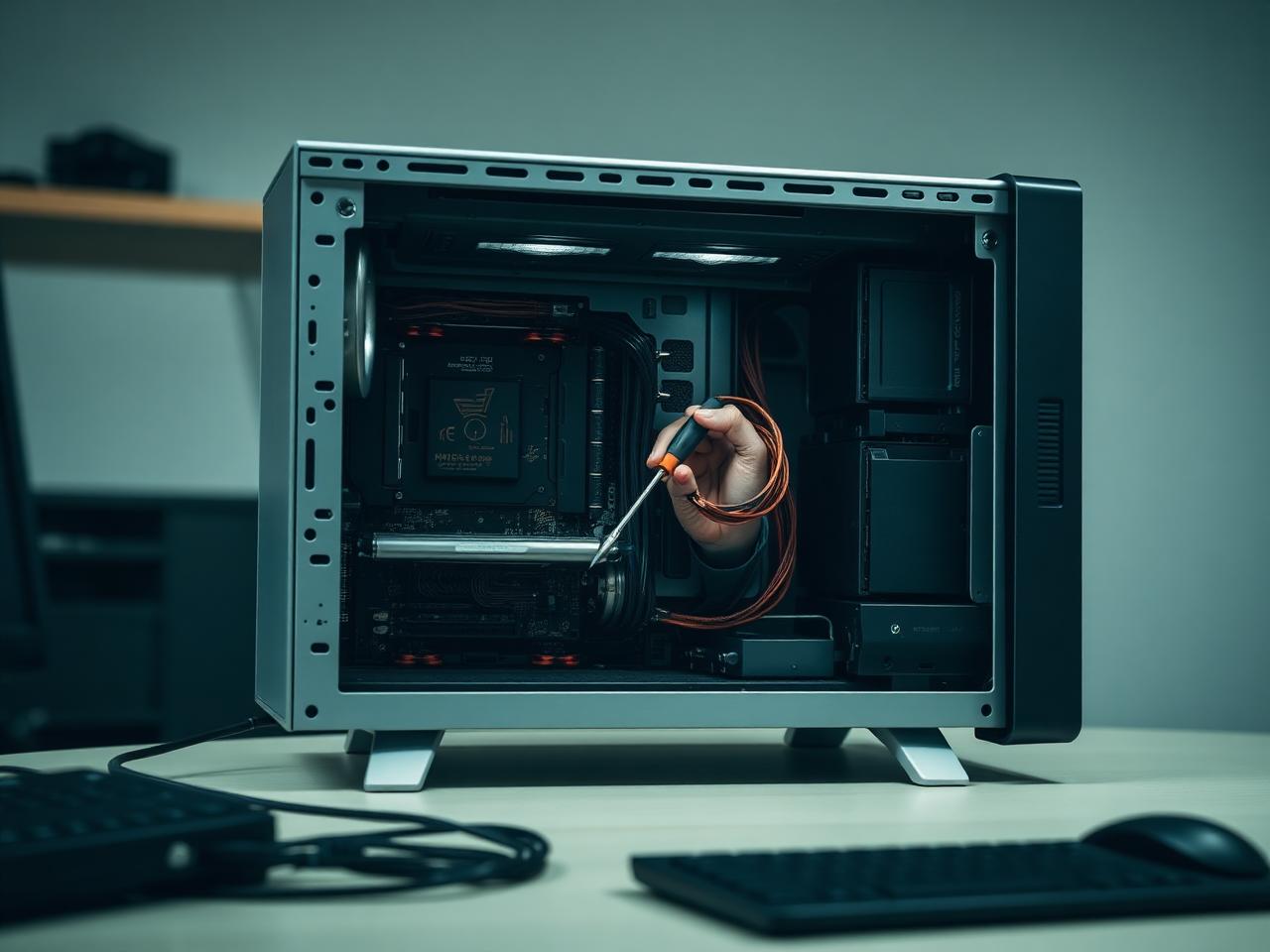
Start here
Don't know what's wrong?
Ask AI.
Describe the problem. Get a clear next step. Connect with an expert when you need one.